 |
 |
 |
|
|
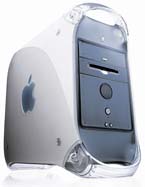
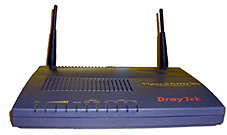
My G4/1.4GHz is connected via a short Ethernet cable to the Vigor 2600We Router. |
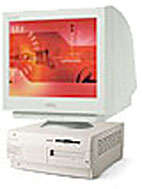
My G3/233 (OS9.2.2) is connected to the Vigor router by a short Ethernet cable. Download Vigor setting up instructions (PDF)! |
Download Belkin router setting up instructions. |
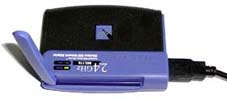
My son's Pentium P4/1.6GHz is connected via USB to this Linksys WUSB11 wireless network adapter which establishes a wireless connection to the Vigor router to give ADSL Internet access. |
 |
 |
|
 |
|
My iBook G3/500 has an airport card and connects through the router by wireless. It can also access directly any folders on the Macs which are authorised for sharing. |
The Vigor 2600We Router is connected via a filter to the phone line which is enabled for ADSL broadband. |
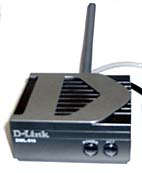
My wife's G3/233 (OS9.2.2) is connected via a short Ethernet cable to a D-Link -----> |
The D-Link 2.4GHz Ethernet-to-wireless bridge establishes a wireless connection to the Vigor router to give ADSL Internet access. |
|
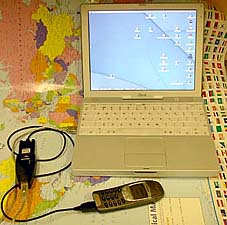
The iBook also has a Nokia modem driver installed and is able to dial out via the high speed USB adapter and Nokia 6210 mobile phone to access the Internet at 9600bps. This is not fast enough for normal "surfing" but it manages email and emergency web page access while I'm away from home. I would have upgraded my Nokia phone but this is the only model for which a modem driver was available. While I'm at home, the iBook automatically senses the ADSL router and uses that instead. |
|
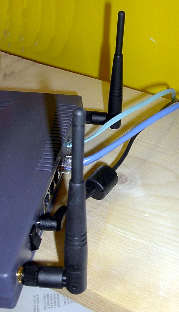
The router has four Ethernet ports at the rear and two aerials to ensure good wireless operation over at least 30 metres. It can support up to 255 computers! |